


Complete Neovim configuration with essential plugins, LSP, DAP, formatting, linting, and custom themes with the X scheme
- Neovim >= 0.10 (nightly for
vim.lsp.configAPI) - git
- ripgrep
- fd
- node (for LSP servers and Prettier)
- python (for Python tools)
- Clone this repository into your nvim config:
git clone https://github.com/xscriptor/nvim ~/.config/nvim- Open Neovim. Lazy.nvim will automatically install all plugins on first start.
- (Optional) Run
:Masonto check LSP server installation status.
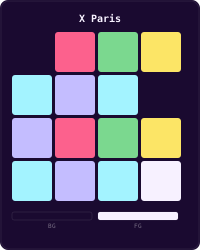
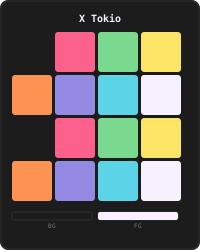
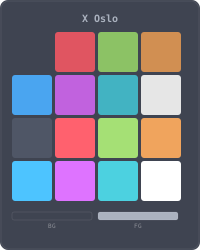
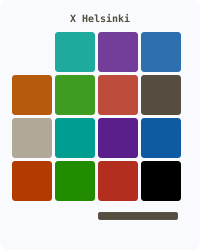
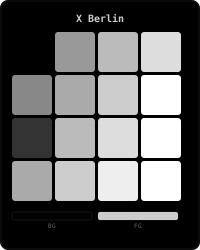
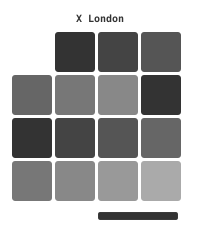
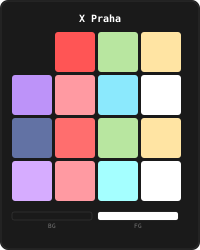
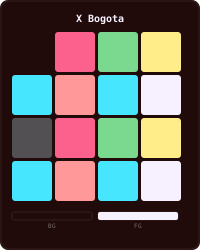
All themes from references.md are available as colorschemes:
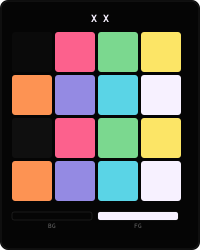
- x
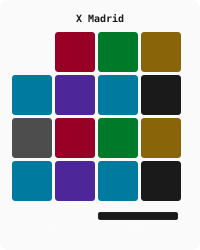
- madrid
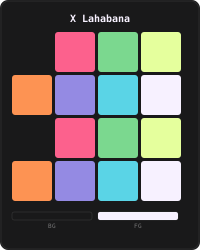
- lahabana
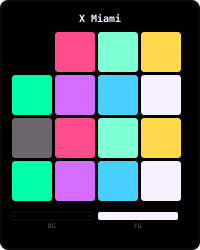
- miami
- paris
- tokio
- oslo
- helsinki
- berlin
- london
- seul
- praha
- bogota
Use any of them with:
:colorscheme tokioOr using the command:
:Theme tokioThe default theme is x. Change it by adjusting vim.g.theme in init.lua.
Shortcuts use the leader key and letters to avoid layout dependencies. You can change the leader in init.lua.
If you want to force keyboard mappings, you can define the following in init.lua:
vim.g.langmap_es = ""
vim.g.langmap_en = ""
And then use :KeymapLocale es|en|system.
- LSP: mason, lspconfig, lazydev, fidget
- Treesitter: + textobjects + context
- Completion: nvim-cmp + LuaSnip
- UI: lualine, bufferline, alpha, indent-blankline, colorizer
- Tools: telescope, trouble, todo-comments, conform, nvim-lint, oil, toggleterm, dap
- Git: gitsigns, diffview
If a formatter or linter binary is not installed, conform and nvim-lint will skip it without failing. Use Mason or your preferred package manager to install them.


